This field guide
Public serveredge.openbyl.com
The public server keeps its own copy of this guide and serves the page directly. You can read it while the laptop takes a nap.
An OpenBYL field guide
How do you put a donkey on the internet when the donkey lives on your laptop?
Meet Beacon, Edge, and Burro, the local AI with surprisingly good reception.
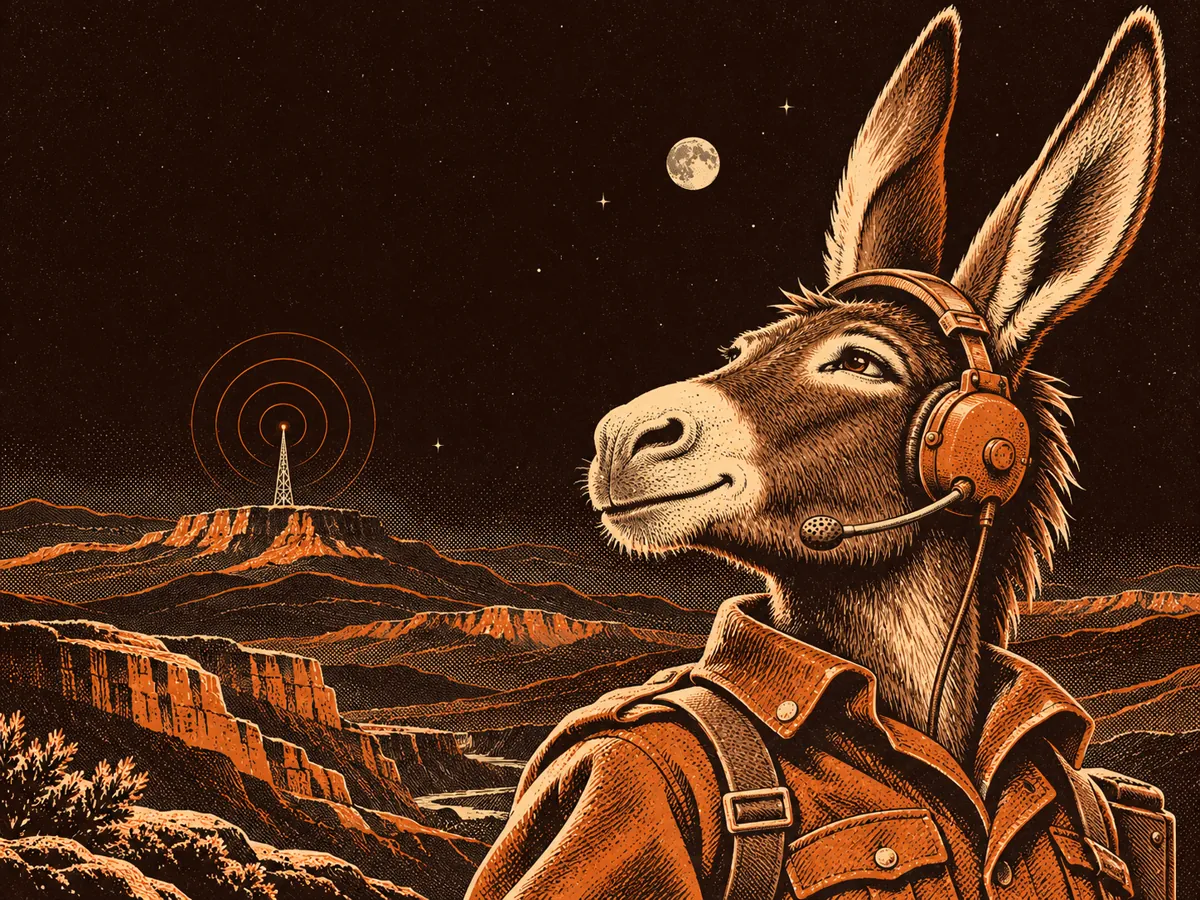 Field radio
localhost:4747The short version
OpenBYL builds tools you can run on your own machine. Burro runs there, too. The snag? localhost on your phone means your phone. A noble little misunderstanding.
So Beacon dials Edge, a public relay, and keeps an encrypted connection open. Visitors reach an OpenBYL web address. Edge sends their traffic down that connection to Beacon, which delivers it to the local app. The home router gets to keep its front door shut.
Beam lab
Follow a simulated request from your phone to Burro. The donkey remains seated.
aburro.openbyl.comField notes
Both addresses reach the same public server. The hostname tells it where to find the answer.
Public serverThe public server keeps its own copy of this guide and serves the page directly. You can read it while the laptop takes a nap.
:4747Edge sends this request through the tunnel to Burro on the laptop. Burro asks for its own key at the door. Even a radio donkey checks the guest list.